THREADNEXA / RESOURCES
The right file for the next step.
Tell us the machine model or production workflow, rather than relying only on a file extension.
Common embroidery and artwork formats
| Format | Typical purpose | What to confirm |
|---|---|---|
| DST | Widely used machine stitch format | Confirm a separate thread-color reference if required. |
| PES | Stitch files used with compatible Brother and Baby Lock workflows | Check the version and hoop limits supported by your machine. |
| JEF | Stitch files for compatible Janome machines | Confirm machine model, hoop and design dimensions. |
| EXP | Stitch format used in several embroidery workflows | Confirm the exact machine/software workflow and color information. |
| VP3 | Stitch files used in compatible Husqvarna Viking and Pfaff workflows | Check machine compatibility and design area. |
| SVG / EPS / PDF | Vector artwork delivery and print preparation | Confirm the production partner’s required format and settings. |
| PNG / JPEG | Reference images and artwork previews | These are images, not embroidery machine instructions. |
File compatibility varies by machine model and software. Confirm the required format with your machine documentation or production partner.
UNDERSTAND YOUR FILES
Three files.
Three different purposes.
Source artwork
The original logo or illustration explains the visual design. Vector and raster references can both be useful, depending on what is available.
Production file
A stitch file gives a compatible embroidery machine sewing instructions. A print file follows the chosen supplier’s graphic output specifications.
Preview or proof
A picture or PDF helps you review appearance and details. It is not automatically the same as an editable source or a usable machine file.
FILE HANDOFF
Check compatibility
before production.
Can changing an extension convert a file?
No. The data must be prepared for the target format. Renaming a JPEG as SVG or PES does not create vector paths or machine stitches.
Will every format preserve the same editing information?
Not necessarily. Exported production files may not contain the same editable objects as a native source. Confirm what needs to remain editable.
How should I name multiple versions?
Use clear names that distinguish the approved artwork, finished size, placement and revision. Keep a separate record of the version authorized for production.
RELATED PORTFOLIO / EMBROIDERY & DESIGN
Explore the portfolio.
Explore artwork, texture and finish through illustrative design concepts.
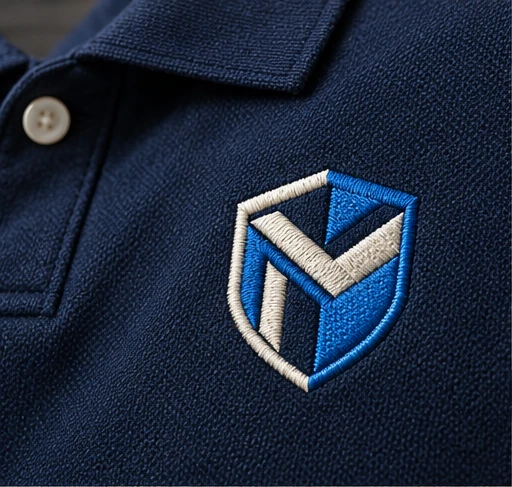
Corporate chest emblemLogo & left-chest digitizing
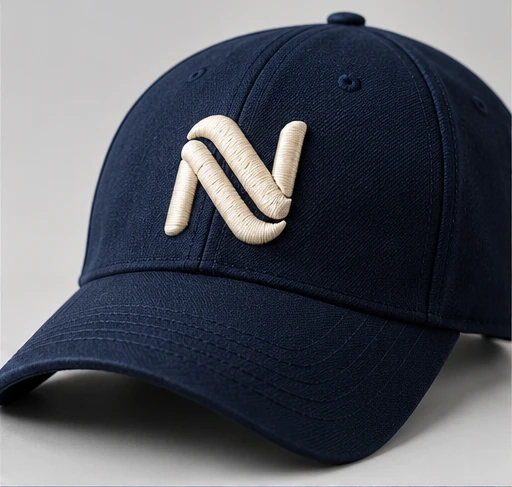
Raised cap monogramCap & 3D puff digitizing
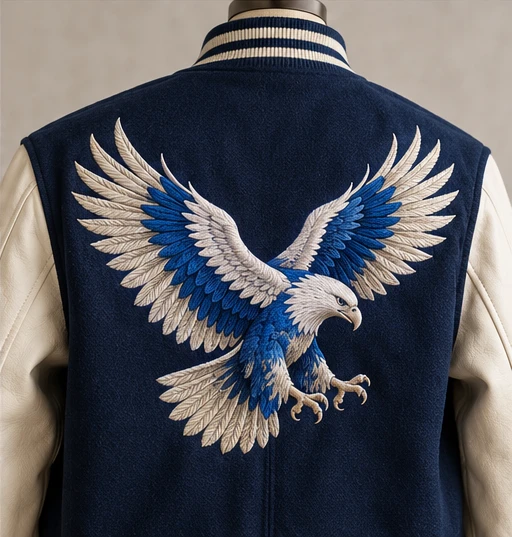
Statement eagle artworkJacket-back digitizing
Illustrative design concepts created to show visual styles and materials. These are not documented customer projects or physical production samples.
LET’S PLAN THE DETAILS
Have a project in mind?
Start with your artwork, finished size and intended application.